01

MovieBox.dmgDisk image
Download the DMG
Click the download button and wait for MovieBox.dmg to finish downloading to your Mac.
MovieBox OfficialDownload for MacWatch movies, TV series, and anime on a bigger screen. The official MovieBox desktop app brings the full experience to your Mac.
Download for MacMovieBox.dmgOfficial DMG installer · Free download
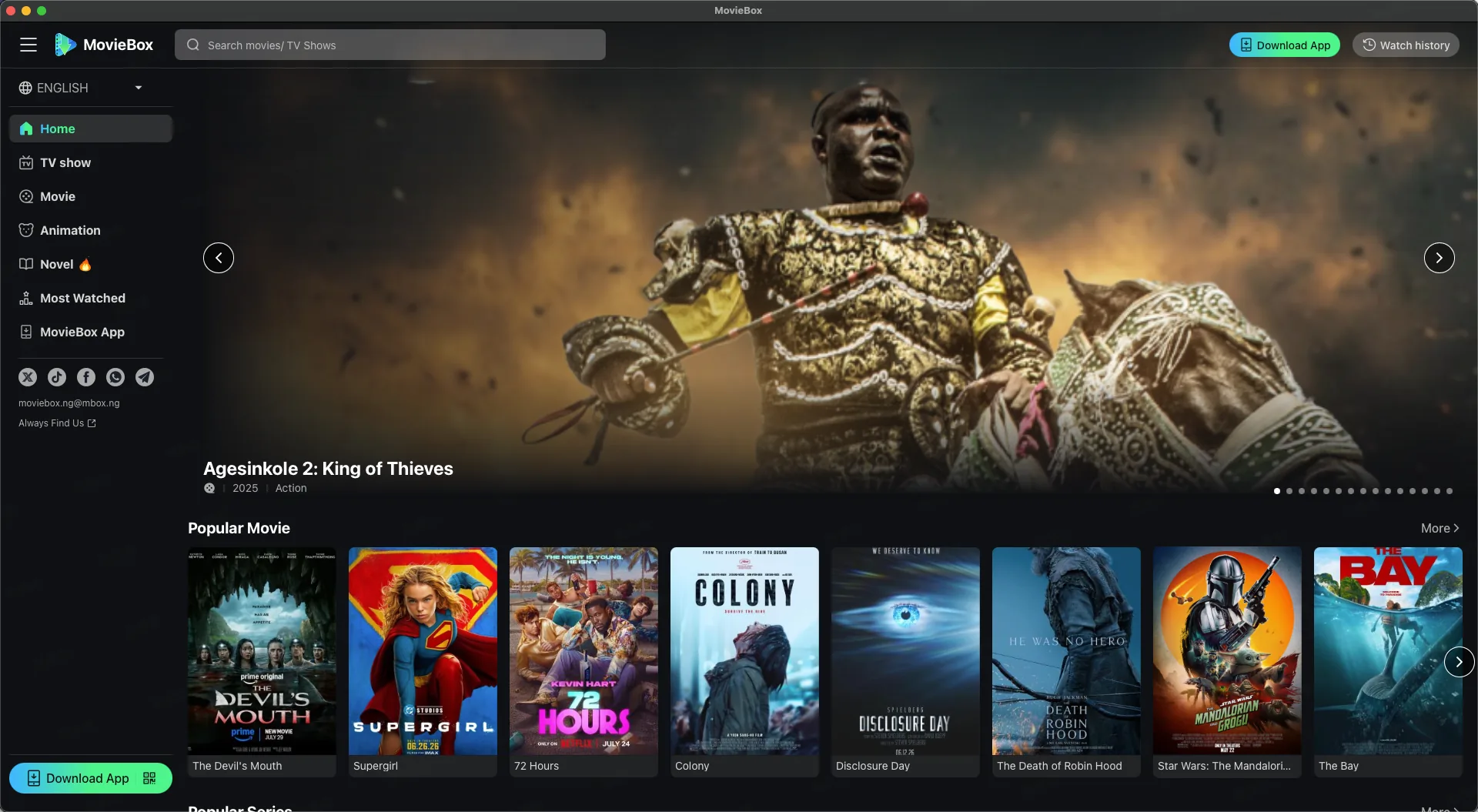
Three simple steps, then your next movie night is ready.
Click the download button and wait for MovieBox.dmg to finish downloading to your Mac.
Open the DMG file, then drag the MovieBox icon into the Applications folder.
Launch MovieBox from Applications. If macOS asks for confirmation, choose Open.
A focused desktop experience for finding and watching what you love.
Browse popular movies, series, anime, and more from a clean desktop library designed for comfortable viewing.
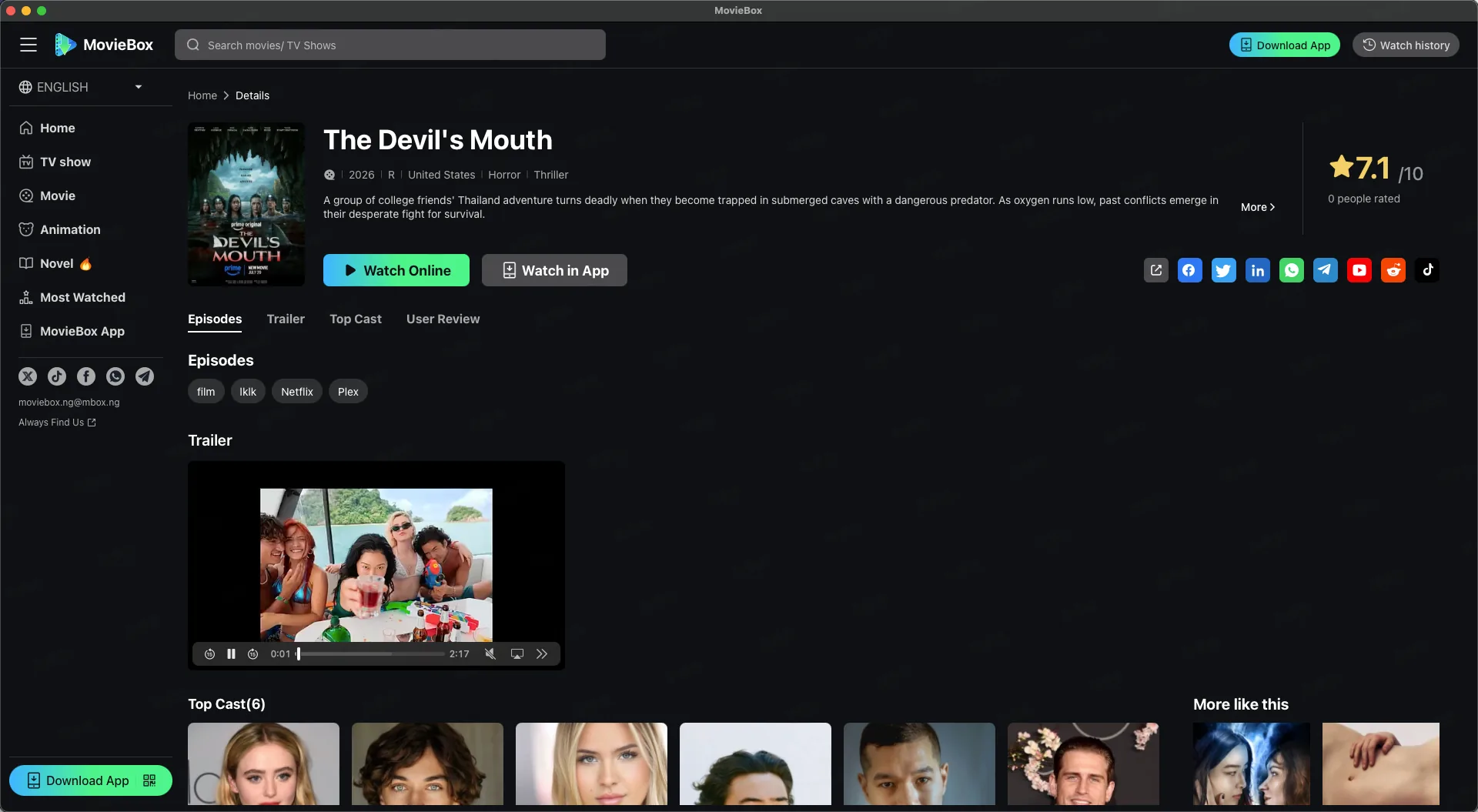
Open a title to see its story, rating, episodes, trailer, cast, and related picks before you start watching.
Download MovieBox.dmg, open the downloaded file, and drag MovieBox into the Applications folder. You can then launch it from Applications.
Download the official MovieBox DMG and get started.
Download for MacMovieBox.dmg